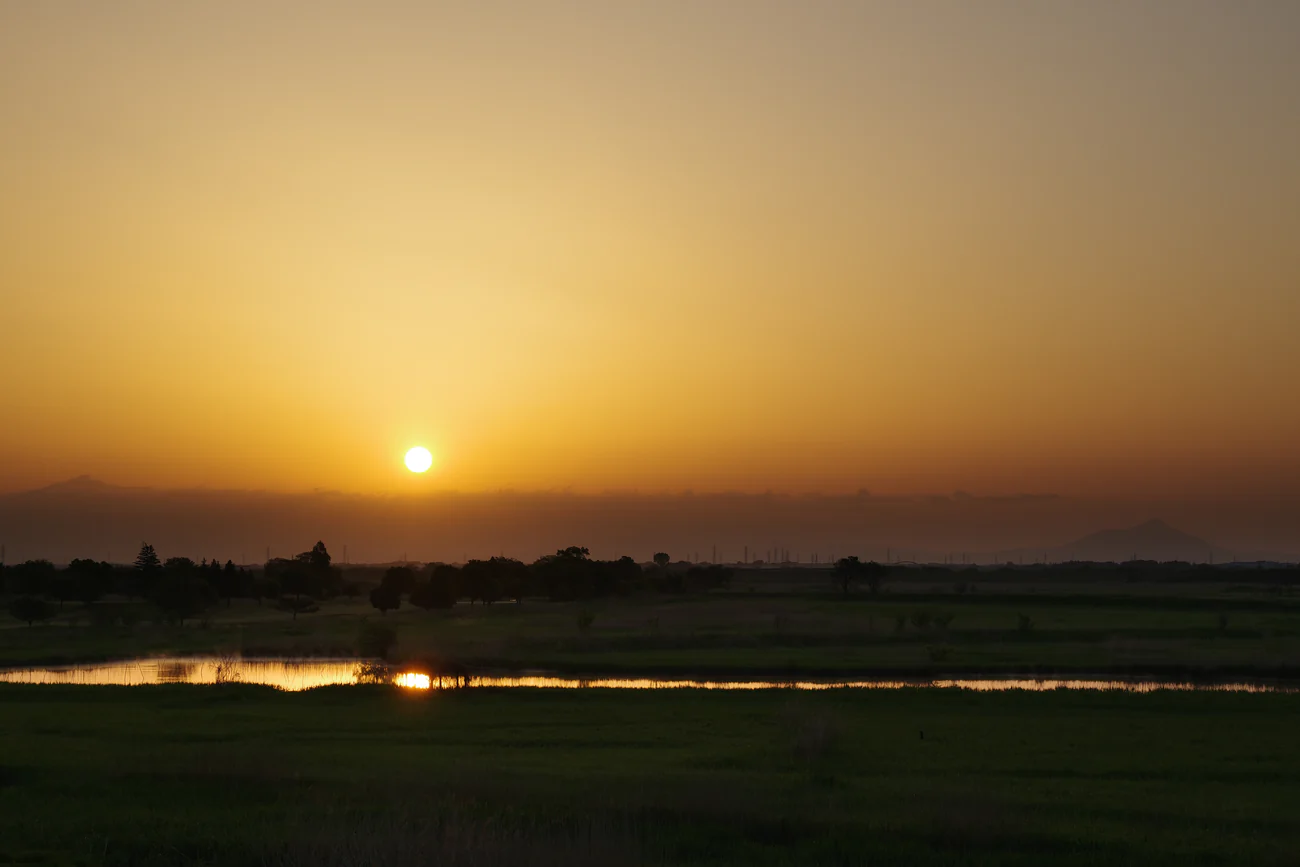
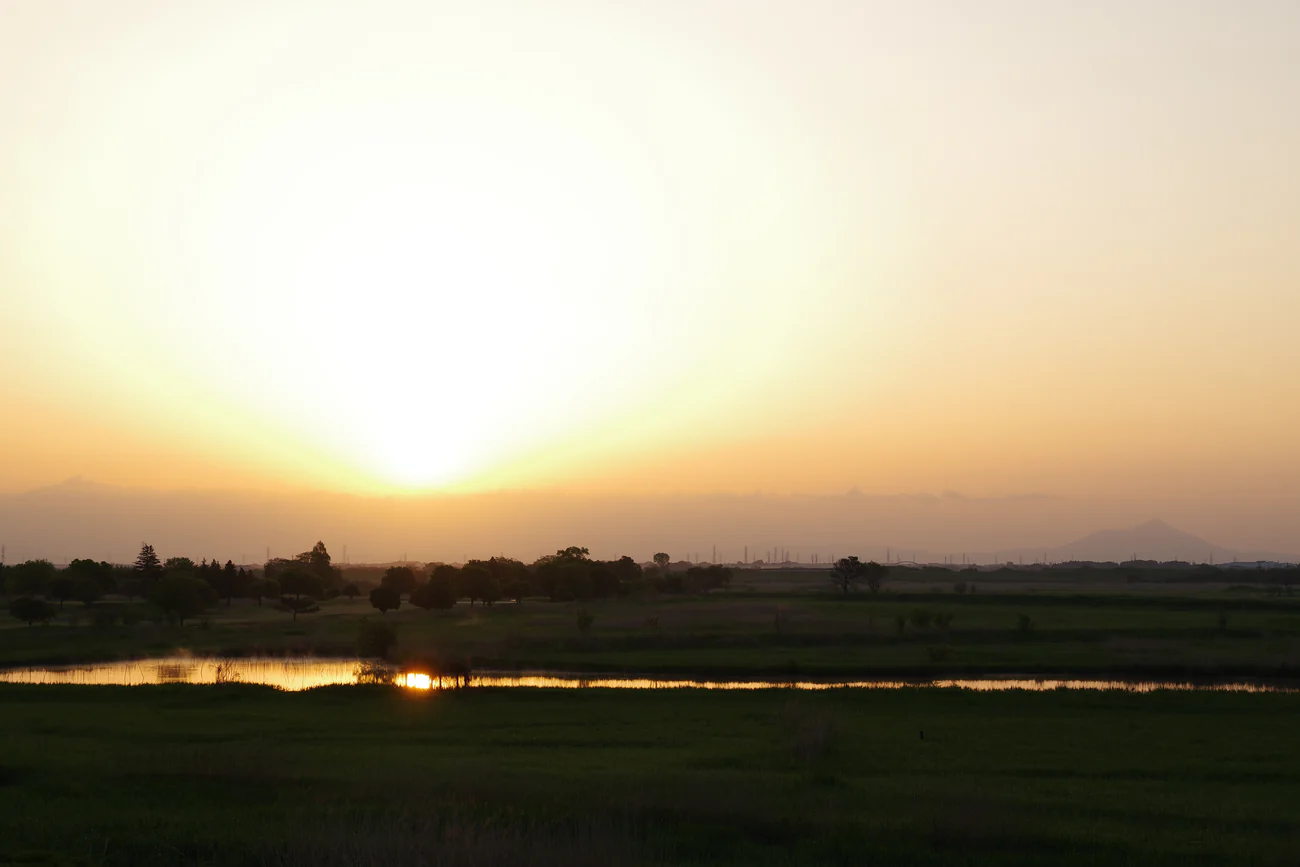
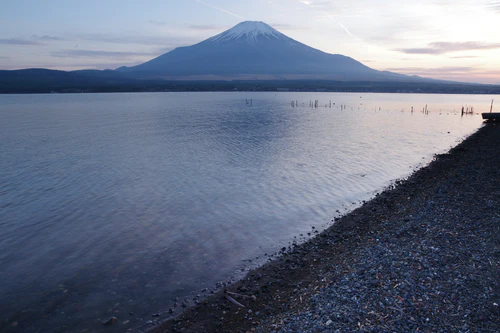
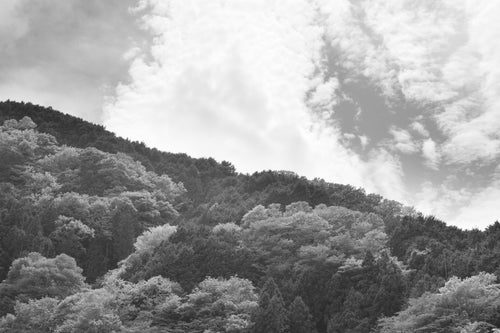
The Premium Function are optional purchasable functions designed to add unique imaging functions not available with the camera’s standard features.
Grad ND Simulator
The Grad ND (Neutral Density) Simulator adds a distinctive visual effect to your images, as if they were captured using an optical gradation ND filter.
Shop with confidence. Pay in full or split it over time - your choice, your security.
Free & Easy Returns
Changed your mind? No problem. Enjoy hassle - free returns within 14 days of delivery.
Fast & Free Shipping*
Get your order in 2–7 working days with our Express & Standard delivery options. *Free shipping available with qualifying orders.
Extended Warranty*
Extra peace of mind - register your product for an additional 1-year warranty! *Standard warranty: 1 year on cameras & lenses, 25 years on binoculars & sport optics.
6 easy Steps to
Unlock premium features
Step 1
Select your camera model from the drop-down menu
Step 2
Enter the serial number of your camera in the space provided
Step 3
Upload a photograph of your serial number
Step 4
Select “Add to Cart” and complete your purchase
Step 5
We will email you a QR code with your premium feature
Step 6
Follow our “How to Unlock Premium Features” guide
Terms & Conditions of Sale
To unlock your premium feature, you will need to ensure your camera is using the latest firmware.
It can take 5-7 working days from receipt of your order until the QR code is issued.
This item cannot be ordered together with other items. If you order this item together with other items, your order will be cancelled.
We cannot accept cancellations or refunds after an order has been issued.
Your QR code will be sent as an image to the email address you provided when placing your order. Please note that we cannot send it in writing. *Please set your email settings to receive emails from "eu.ricoh-imaging.com".
If you have multiple cameras and would like to use this function with each one, you will need to order an activation key for each serial number.
Please note that if you select or enter the wrong camera and serial number when placing your order, the QR code sent to you by our store will not be able to unlock the functions.
We cannot reissue the QR code. If the circuit board is replaced during repair, the premium functions will not be unlocked on the repaired camera and you will need to unlock the functions yourself, so please make sure to save the image of the QR code.
If after purchasing an activation key, you purchase a new camera with a different serial number due to damage to the camera, please order an activation key with a new serial number.
If you have any questions regarding specific function descriptions or how to unlock them, please contact us here: Contact Form
How to Unlock Premium Features
Turn on the camera and select "Limited Functions" in the camera's menu <Setup, Sub Menu 6>.
Select the premium feature you have purchased, select "Read The Unlock Key" and point the camera lens at your dedicated QR code.
When the message "Function Released" appears, you can use the premium feature you have purchased.
Your premium feature will be added to the still image shooting section of the camera (Menu 3)
If you have any questions regarding the activation of your premium feature please contact us here: Contact Form
"I find this a quite useful tool to have available. I initially had this on my K3iii mono and have since added it to my K3iii and K1ii. This is mainly so I know I can use it whichever one I take out. Ok it is a bit of a drag having to purchase 3 separate activation keys, but overall it is far cheaper than having to have a number of different filters to cover all lenses. I did a demo of this at our local photo group and it fared well against someone with 3 Lee Filters grads at £150 each."
— Steve J. (4/5)
ND
"Good when using the K3 III Monochrome as i have a red filter installed so i do not have to switch."
— Arne D. (5/5)
Ok
"Alles wie es sein soll."
— Volkmar K. (5/5)
Grad ND Filter
"The filter is not a replacement for an ND filter (grey filter), it works to darken parts of the image"
— Michael E. (5/5)
Your secret weapon for epic skies
"Let’s be honest—dealing with harsh light in landscapes can be a pain. But the Grad ND Feature on my Pentax K3 iii camera is like having a built-in magic trick. With just a few taps, it gently darkens the sky while keeping the foreground perfectly exposed. No need to mess around with physical filters or Photoshop later. What I love most? You’re in full control. Adjust the intensity, shift the transition up or down, and boom—your shot looks like you waited for the perfect light (even if you didn’t). The results are smooth, natural, and just… right. If you shoot landscapes and want beautiful balance without the fuss, this feature is a total game changer."
— Jan B. (5/5)
Good built-in feature
"The GND function is a good addition and works properly. I think an additional functionality should be added: the possibility of having a normal ND filter, taking a single shot, instead of the 2 that the GND uses."
— Joan P. (5/5)
Perfect!
"Everything works perfectly."
— Guido M. (5/5)
documentation
"il manque une documentation pour une bonne utilisation. dommage pour le prix. . . . ."
— SAAD Y. (5/5)
Improvement necessary
"It's great and very handy to not need a filter and to be able to shift and skew the darkened area. Unfortunately 2 shots seem to be necessary and it doesn't work well for me when the camera is held in a hand. I wish that the filtering is computed from one shot. Ideally that an AI computes the filtered area when e. g. the line between the horizon and the land is not a straight one."
— Juri S. (3/5)
ND Grad feature
"Tried this handheld, and yes you do need a tripod or at least to steady the camera against a fixed object. I have found this useful to set one of the custom modes to start the filter outside the top of the frame and end outside the bottom to give an overall 5x nd filter enabling very slow exposures for waterfalls etc."
— Steve J. (4/5)
Q&A
PENTAX K-3 Mark III - Grad ND Simulator
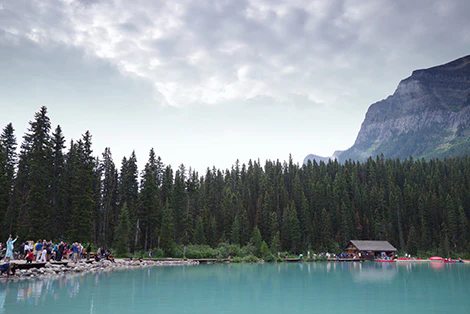
Without Grad ND FunctionsWith Grad ND Functions
The Grad ND Simulator is designed to simulate the visual effect created by an optical he Grad ND (Neutral Density) Simulator adds a distinctive visual effect to your images, as if they were captured using an optical gradation ND filter. Two captured images of the same scene - one correctly exposed and another underexposed - are synthesized into a single composite image.
Grad ND Simulation combines images with different exposures, so the exposure adjustment can be done simply by changing the camera's exposure settings. When standard gradation ND filters need to use separate filters to adjust the exposure as it adjusts exposure by reducing the amount of light in certain areas.



 No fields selected